


We help individuals, children, teens, young adults and families find the right support - when they need it most
One Connection works with trusted community organizations to remove barriers and provide guidance through available services. Together, we create clear pathways toward stability, opportunity, and hope — helping individuals and families move forward with confidence.
If you’re not sure where to start, you’re not alone.
That’s why we offer a FREE 15-minute consultation — a simple, supportive conversation designed to help you understand your options, identify next steps, and get pointed in the right direction without pressure or obligation.
No cost • No obligation • Just guidance
Empowering You With Tailored Services
Guidance, Connection, and Care That Support Individuals in Need
Guidance, Connection, and Care That Support Individuals in Need
Our services focus on practical, hands-on support
delivered through care coordination, youth coaching,and family guidance.
We assist individuals and caregivers with navigatingeducational, behavioral, and social service systems,while working alongside schools, agencies, and community providers to support planning,communication, and follow-through.
This service-centered approach is designed
to strengthen skills, improve access to resources,
and support individuals during important
developmental and life transitions.

Youth Coaching & Mentorship
Support focused on life skills, academic engagement, and healthy transitions into adulthood.

Family & Parent Support
Guidance and consultations to help caregivers advocate, communicate, and access support systems.

Care Coordination & Support
We help individuals and families navigate services and connect with trusted community resources.
Our services focus on practical, hands-on support
delivered through care coordination, youth coaching,
and family guidance.
We assist individuals and caregivers with navigating
educational, behavioral, and social service systems,
while working alongside schools, agencies,
and community providers to support planning,
communication, and follow-through.
This service-centered approach is designed
to strengthen skills, improve access to resources,
and support individuals during important
developmental and life transitions.
Family & Parent Support
Guidance and consultations to help caregivers advocate, communicate, and access support systems.
Youth Coaching & Mentorship
Support focused on life skills, academic engagement, and healthy transitions into adulthood.
Care Coordination & Support
We help individuals and families navigate services and connect with trusted community resources.
Below You'll Discover Packages Designed To Support Your Goals
Services
Feeling stuck is exhausting — especially when you’re trying to do the right thing and don’t know where to turn.
These services were created to help you break that cycle now, not weeks or months from now.
Instead of endless searching, unanswered calls, or second-guessing your next move, you get structure, guidance, and real follow-through — so you can take action with confidence and finally start moving forward.
Intake Screening and Resource Guidance
Clarity changes everything.
If you’re unsure what support is needed or
where to begin, this service gives you a clear picture fast.
Through structured intake and targeted guidance, you’ll walk away knowing exactly what matters most and which resources make sense for your situation.
Perfect when you need answers and a clear direction — not more confusion.

Intake Screening and Referral Assistance
Knowing what you need isn’t enough — connection is the breakthrough.
This option goes beyond guidance by actively helping you connect with the right community providers.
We don’t just point — we help bridge the gap, coordinate referrals, and remove the barriers that often cause people to give up before support ever begins.
Best if you want help turning information into real access.

Comprehensive Intake, Referral, and Follow-Up Support
Because progress shouldn’t stop after the first step.
This is for those who want more than recommendations — they want momentum.
Along with intake and referral coordination, you receive follow-up support to help ensure connections are made and support continues, with access to educational or support groups when appropriate.
Ideal when accountability, consistency, and follow-through matter most.
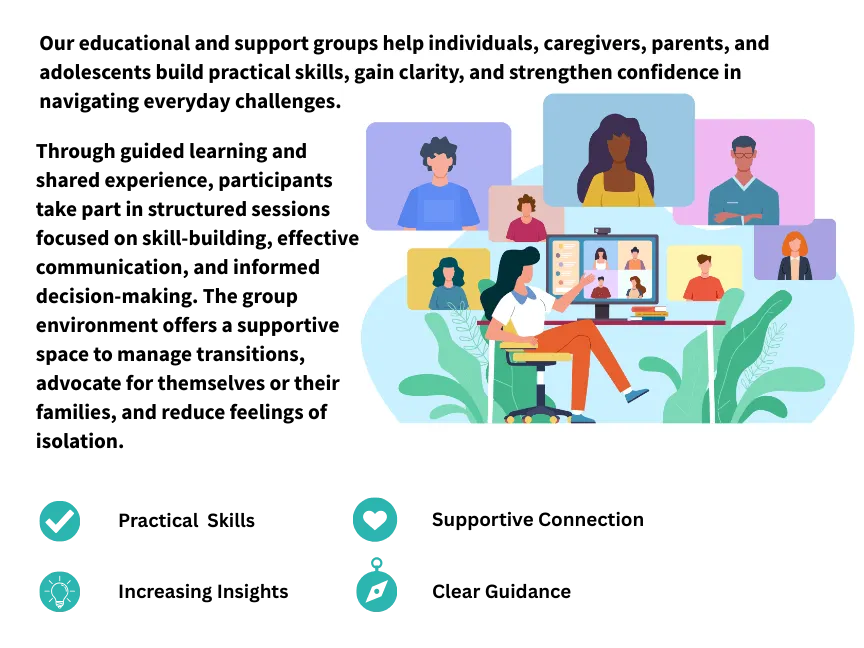
Education & Support Groups
Education, Guidance and Connection That Moves People Forward
Support Begins With Understanding
We Believe People Thrive When Support Is Intentional, Coordinated & Built Around Their Real Needs

Personalized, Compassionate Support
We take the time to understand your unique situation, whether you're seeking help as an individual or as a family. Our focus is on really listening to you first and then connecting you to the right resources and support.

Trusted Community Connections
By collaborating with trusted community partners we ensure that everyone we support is connected to reliable, coordinated services that fit their needs.
Focused On Outcomes,
Not Just Referrals
Building Pathways, Not Just Bridges
We create enduring pathways of care
so individuals and families always have a steady route forward
A Clear, Supportive Path Forward
START A REFERRAL:
Our goal isn't to hand families a list and wish them luck. It's to ensure connections are made, services are accessed, and everyone is supported across systems.
Success means fewer gaps, clearer communication, and greater long-term stability for those we serve
Whether seeking support for yourself or someone you care about, or making a referral on behalf of an individual or family, this is the place to begin. We help connect people to the right guidance, services, and resources so support can be accessed efficiently and effectively.
To start a referral, click the button below that best fits your referral type.
A Clear, Supportive Path Forward
START A REFERRAL:
Our goal isn't to hand families a list and wish them luck. It's to ensure connections are made, services are accessed, and everyone is supported across systems.
Success means fewer gaps, clearer communication, and greater long-term stability for those we serve
Whether seeking support for yourself or someone you care about, or making a referral on behalf of an individual or family, this is the place to begin. We help connect people to the right guidance, services, and resources so support can be accessed efficiently and effectively.
Click the button below to start a referral.
Frequently Asked Questions
What is One Connection Community Services?
One Connection Community Services is a centralized referral and care-linkage program that helps individuals and families connect to multiple community-based services through one coordinated point of contact.
The program supports access to services across the lifespan, including children, adults, older adults, and individuals with disabilities or neuro-developmental needs.
What makes One Connection Community Services different?
One Connection Community Services offers a one-stop, wraparound-style referral model that reduces the burden on families and individuals navigating complex systems.
By centralizing referrals and follow-up, the program improves access, coordination, and continuity of care across multiple service systems.
What types of referrals do you provide?
One Connection Community Services connects individuals and families to a wide range of community-based services.
These include early intervention, special education and school-based supports, services for individuals with intellectual and developmental disabilities, autism-related supports, outpatient behavioral health providers, therapeutic mentoring, family support services, substance use programs, housing resources, elder services, and other local community programs.
How are consultations and services provided?
All consultations and services are conducted virtually through secure video calls. This virtual model allows individuals and families to access referral support, consultation, and follow-up services from their home while maintaining privacy, accessibility, and flexibility.
How does the referral process work?
After an initial intake to understand needs and priorities, One Connection Community Services identifies appropriate community-based providers and programs.
Referrals are completed on behalf of the individual or family, and guidance is provided to support eligibility requirements, application steps, and next actions.
Are services culturally and linguistically responsive?
Yes. Referral and consultation services are delivered with cultural humility and responsiveness, recognizing the role of language, culture, and lived experience in accessing community-based supports.
How do I get started?
Individuals, caregivers, and referral partners may contact One Connection Community Services through the website, phone, or email to begin the intake and referral process.
Who can use One Connection Community Services?
Services are available to individuals, families, caregivers, and community members seeking support, resources, or referrals.
This includes families seeking early intervention services, individuals supporting a loved one with a disability or neurodevelopmental condition, adults seeking behavioral health or social services, and individuals assisting older adults or grandparents with accessing elder supports.
Are you a counseling or therapy program?
No. One Connection Community Services does not provide counseling, therapy, or direct clinical treatment.
The program focuses on referral coordination, service navigation, and follow-up to ensure individuals and families are connected to appropriate providers in their communities.
Do you work with individuals with disabilities or neurodevelopmental conditions?
Yes. The program supports individuals with intellectual, developmental, and neurodevelopmental needs across the lifespan.
This includes connecting families to early intervention, autism-related services, developmental supports, special education resources, adult disability services, and community-based programs that promote independence and quality of life.
How long do services last?
Services are time-limited and referral-focused. Length of services depends on the selected service package and identified needs.
Packages include referral coordination and one or two scheduled follow-up contacts to ensure successful connection with recommended services. Individuals and families are also provided with a curated list of community-based resources in their area for future reference.
Do caregivers or family members participate in the process?
Yes. Caregivers and family members often participate in the referral and coordination process, particularly when supporting children, individuals with disabilities or neurodevelopmental needs, or older adults.
Participation focuses on information sharing, consent when required, and supporting follow-through with referred services rather than engaging in treatment.
How is confidentiality handled?
All information is handled in accordance with applicable privacy and confidentiality regulations. Information is shared only with appropriate consent and solely for the purpose of completing referrals and coordinating services.
What is your cancellation and refund policy?
We require at least 48 hours’ notice to cancel or reschedule an appointment. Cancellations made less than 48 hours before the scheduled time, including no-shows, are non-refundable. Some services and group programs are non-refundable once they begin. To view the complete cancellation and refund policy click here.
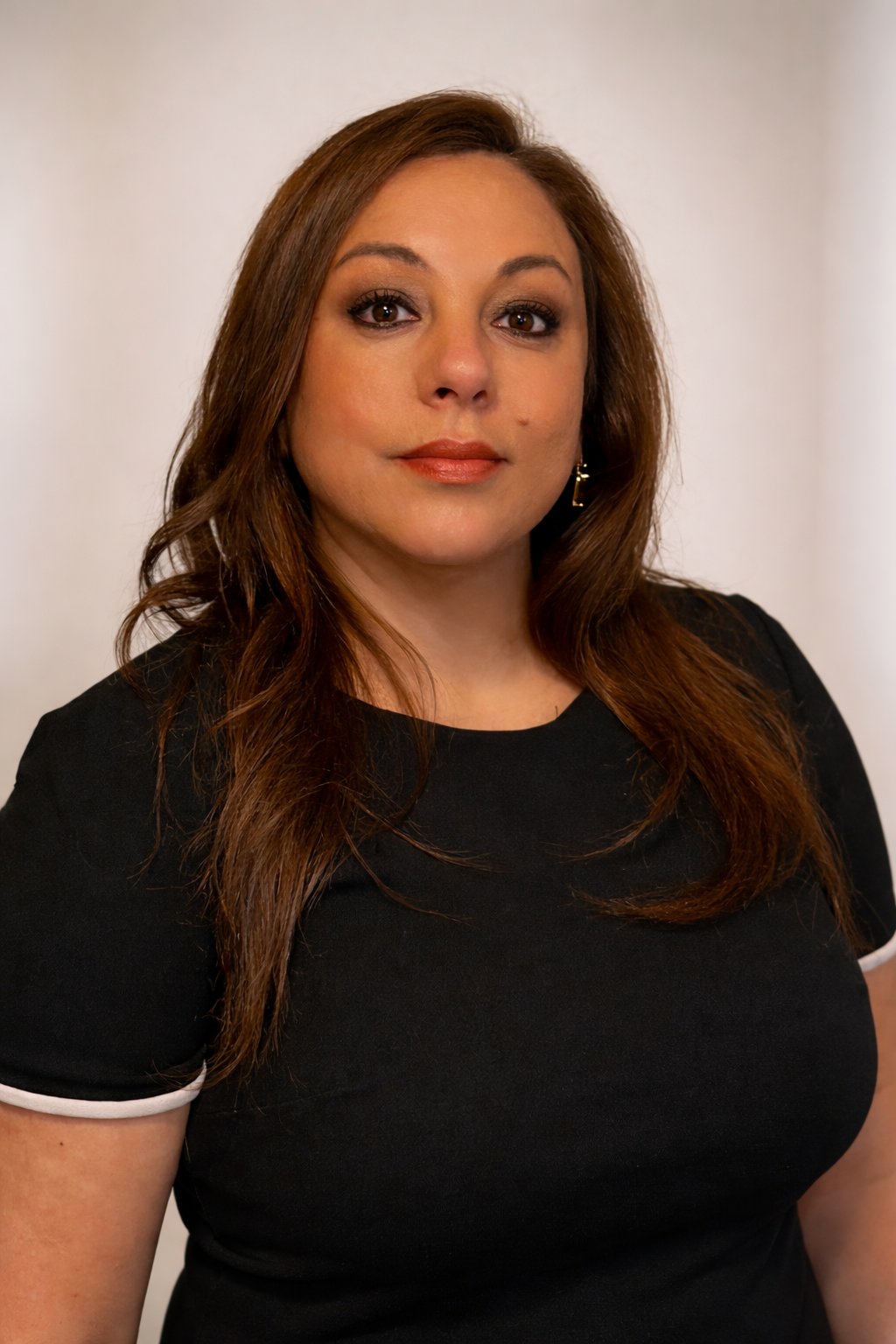
MEET THE FOUNDER & CEO
Mrs. Brenda Bernazar-Curtis
Brenda Bernazar-Curtis is a mental health professional, educator, and community advocate with extensive experience across clinical, community-based, nonprofit, and systems-level settings. Brenda brings a culturally responsive and equity-focused perspective to her work with individuals and families navigating complex service systems.
Brenda has earned both a master’s degree in psychology and a master's degree in Clinical Mental Health Counseling. She is currently completing her PhD in Mental Health and Sciences, with an anticipated completion in Summer 2026.
Her professional background includes early intervention services, community outreach and resource coordination, Children’s Behavioral Health Initiative programs, private and nonprofit mental health clinics, educational settings, and work within the criminal justice system.
Throughout her career, Brenda has supported children, adolescents, adults, and families experiencing trauma, developmental challenges, mental health needs, and system involvement. Her work emphasizes early identification, continuity of care, and coordinated support across agencies and service providers.
Brenda founded One Connection Community Services to address fragmentation across health, mental health, education, and community systems.
The organization is designed to serve as a centralized support hub, helping families and individuals efficiently access services, understand their options, and build sustainable connections within their communities.
Her leadership is grounded in trauma-informed practice, systems navigation, and a strong belief in the power of connection to promote stability, resilience, and long-term well-being.
CONTACT US

Call Us
For immediate assistance or to speak with one of our team, feel free to give us a call.
(888) 411-8882

Visit Us Online
Connect with us online and stay updated through our social channels!



E-mail Us
Have a question or need more information? Send us an email, and we'll get back to you as soon as possible.
This is
Copyright© 2026 One Connection Community Services
All Rights Reserved.Font